
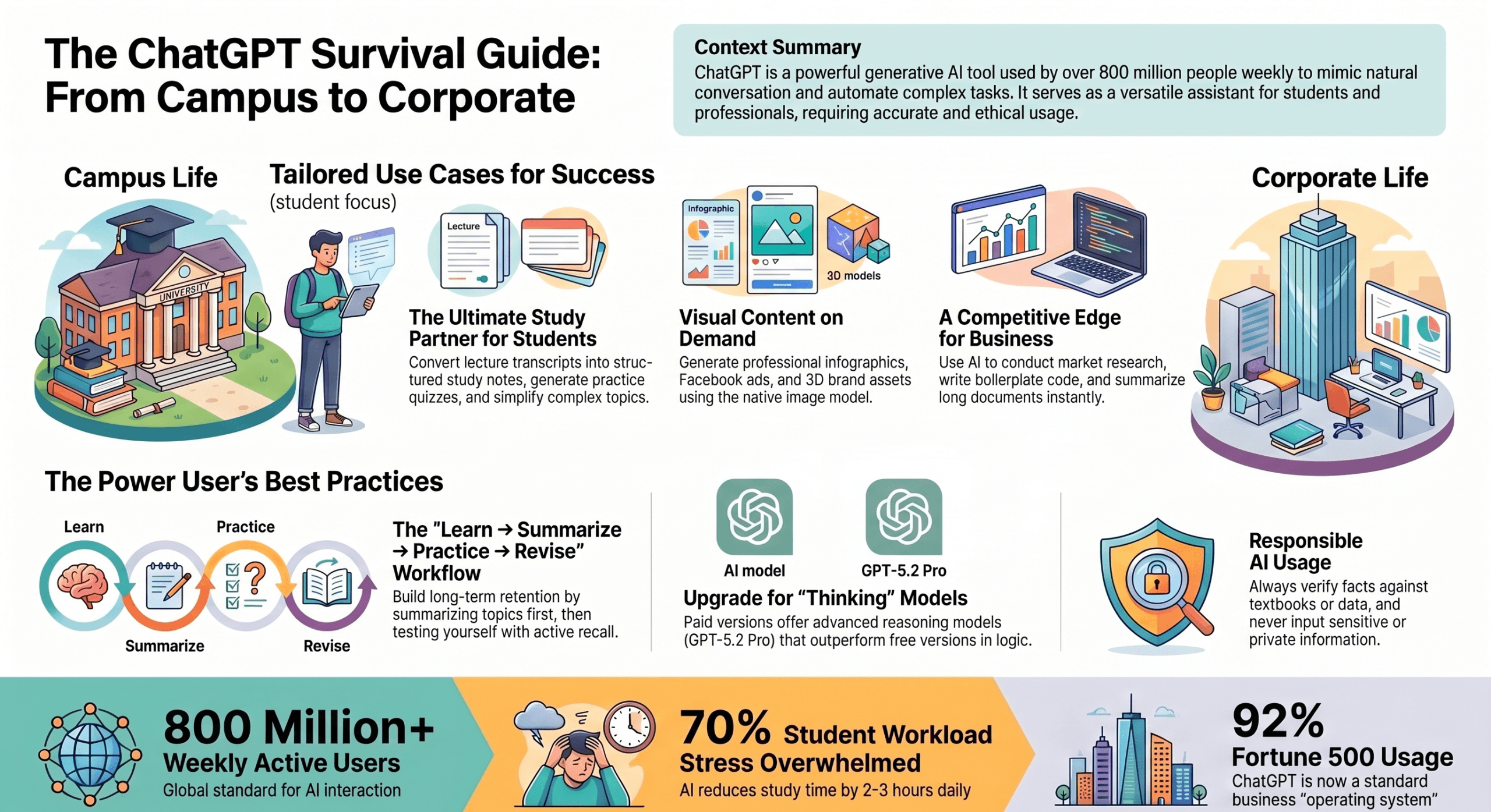
For students and college learners, ChatGPT can be transformed from a simple chatbot into a powerful, interactive study assistant. Here is how you can start leveraging it for academic success:
- The 4-Step Study Workflow: Instead of passively reading textbooks, adopt a strategy of Learn → Summarize → Practice → Revise. You can prompt ChatGPT to simplify difficult concepts, generate structured study notes, and—most importantly—create practice questions and multiple-choice quizzes to test your application of the material.
- Act as a Virtual Tutor: Use advanced prompts to ask ChatGPT to quiz you, correct your answers, and explain your mistakes. With features like the “Chats for College Students in India,” you can ask the AI to explain complex topics using relatable analogies (like explaining quantum physics through cricket), generate weekly study schedules, and simulate job interviews.
- Summarize Long Lectures: If you are watching long YouTube tutorials or lectures, you can copy the video’s transcript and paste it into ChatGPT. Prompt it to extract key insights, summarize the content into simple bullet points, or outline the main topics with timestamps so you can review the material efficiently.
For businesspeople and professionals, ChatGPT is a strategic operating system that can accelerate workflows and generate a competitive advantage. To become a power user, follow these core rules:
- Invest in Premium “Thinking” Models: Avoid the free version of ChatGPT. Upgrading to a paid plan (around $20/month) gives you access to advanced “thinking” models (such as GPT-5.2 Pro) which process complex instructions and provide drastically superior reasoning, planning, and business intelligence compared to the instant models used on the free tier.
- Centralize Your Data and Workflows: Use Projects and Custom GPTs to organize your work and build reusable, no-code solutions that possess project-specific memory. You can also connect ChatGPT to your company’s Google Drive or SharePoint using Apps (formerly Connectors), turning the AI into a dynamic, searchable knowledge hub for your organization.
- Audit AI Reasoning: When using advanced models, take advantage of chain-of-thought summaries. This feature allows you to see the step-by-step reasoning the AI used to solve a problem, letting you audit its decisions for logic errors before applying the insights to high-stakes strategic planning.
- Generate Marketing and Brand Assets: You can use ChatGPT Image 2 to create professional visuals without a designer. By providing highly specific prompts regarding layout, dimensions, and color palettes, you can generate structured infographics, Facebook ad concepts, product mockups, and complete brand style sheets. You can also upload a reference image, ask ChatGPT to describe its style in JSON code, and use that code to reverse-engineer and generate new images with the exact same aesthetic.
A Crucial Rule for Both Groups: Always verify the information ChatGPT provides. Because AI lacks common-sense reasoning and is trained on vast internet data, it can occasionally generate plausible-sounding but incorrect information, rely on outdated data, or reflect systemic biases. Students should always cross-reference AI answers with their textbooks, and business leaders must implement ethical oversight and human review before acting on AI-driven decisions.